
Pro
Amon Budget themes
Amon Budget Pro comes with eight themes. Each one restyles the whole app — background, cards, icons, the spending ring and the tab bar — while your accounts, budgets and features stay exactly the same. Light, dark and system themes are free.
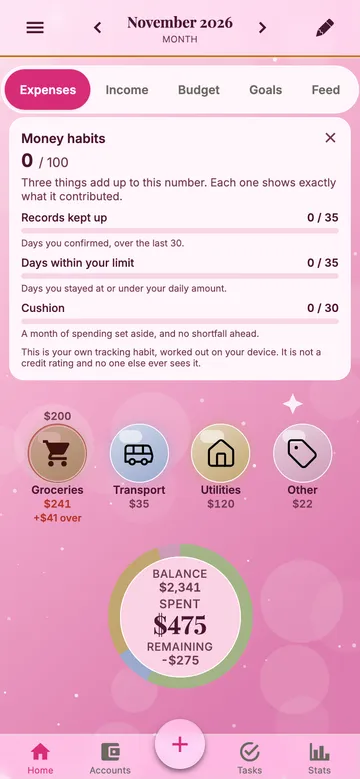
Glam
Powder pink, pearl icons and sparkles. Soft and festive, with dark plum numbers that stay easy to read.
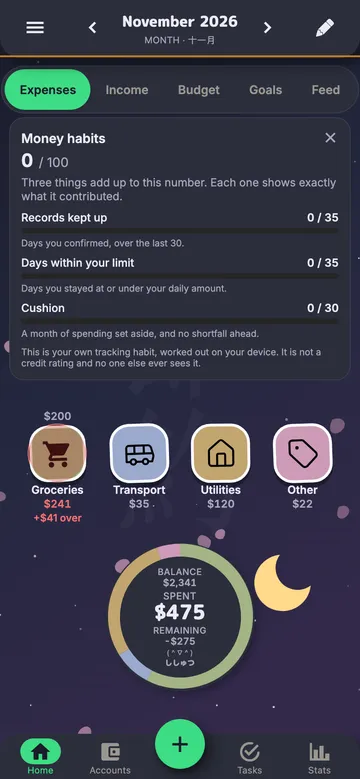
Anime
A night sky with a moon, drifting petals and sticker-style icons with a white border.
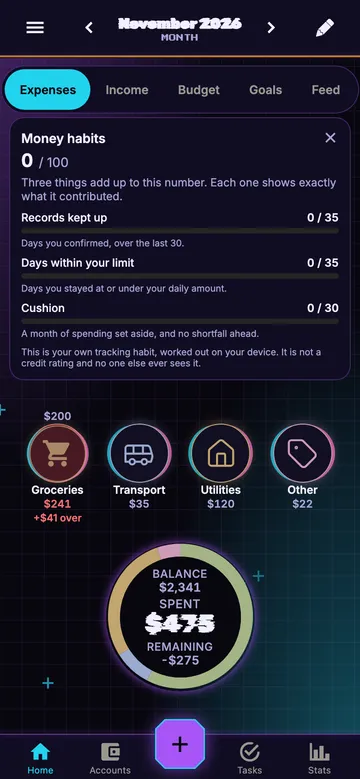
Zoomer
A neon HUD: a dark grid, cut corners, a cyan signal for what is selected — and clean digits for money.
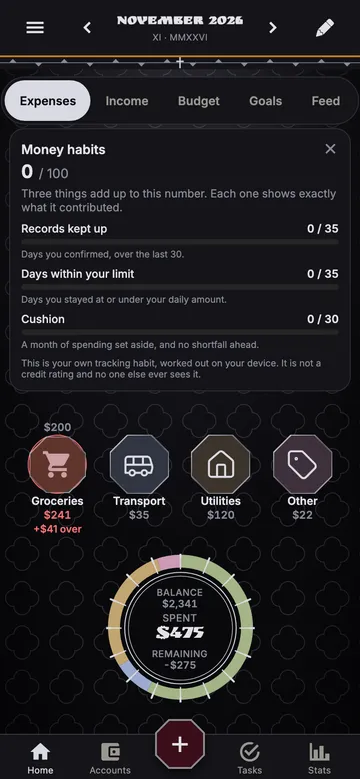
Gothic
Obsidian and silver: forged octagon icons, a lace pattern at the edges and a burgundy add button.
Luxe
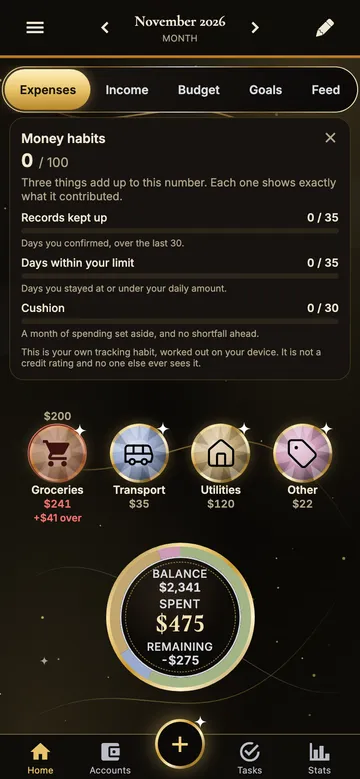
Black marble with gold and silver veins, faceted gems in a polished gold setting and a stitched leather balance card.
Sport
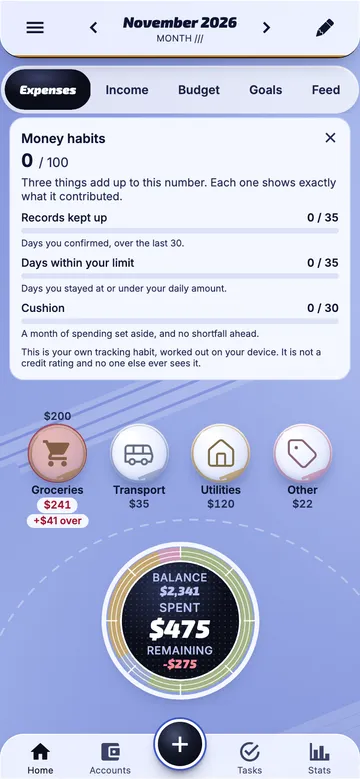
Glossy milk-glass buttons, 22° speed stripes and a running-track ring with a dark scoreboard in the middle.
Liquid Glass
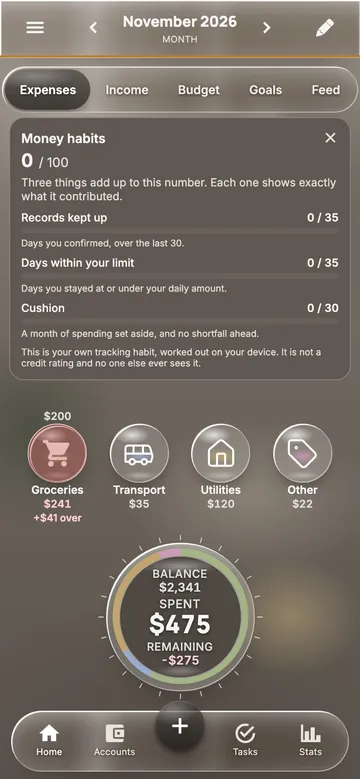
Light frosted glass over a softly blurred interior, smoky pills for what is active and matte white text.
Bubble
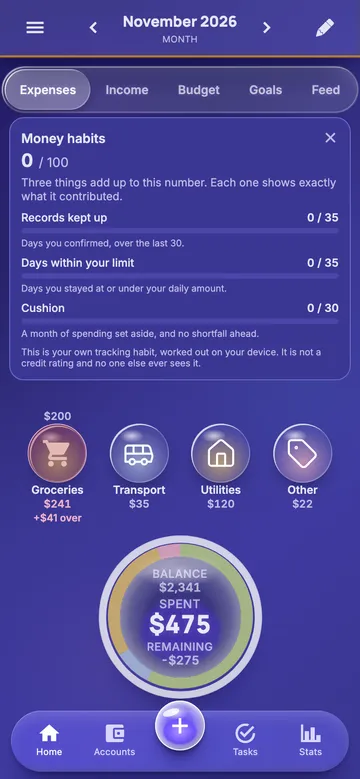
Northern lights in deep indigo, glass bubbles that glow with each category's colour and a floating glass tab bar.
In every theme
- Larger text: labels and amounts grow with the system text size.
- VoiceOver reads the spending ring: the numbers in the middle and the top categories with their share.
- Reduce Motion and Reduce Transparency are respected: the glass turns solid and the background stops moving.
- The background moves in layers as you scroll — a light parallax that keeps the data still.
- Budget status is written in words, not only shown by colour: “$41 over” or “near limit”.
Frequently asked questions
Are the themes free?
Light, dark and system themes are free. The eight themes on this page are part of Pro. Core is free and ad-free. Pro is $4.99 a month on the US App Store; in other countries the store sets the local price. Members inherit Pro from the owner of their shared workspace. In the app's appearance settings every theme has a preview card; picking a Pro theme opens the Pro offer.
Do themes change my data or features?
No. A theme only changes how the app looks. Accounts, budgets, investments, sync and every feature work the same in every theme.
Is my theme saved on all my devices?
The theme is saved on the device where you pick it, so a phone and a computer can use different themes. If Pro ends, the app goes back to the system theme.
Do the themes work with larger text and VoiceOver?
Yes. Every theme follows the system text size, gives VoiceOver labels to the spending ring and status lines, and respects Reduce Motion and Reduce Transparency.
Compare Core and Pro · Amon Budget home